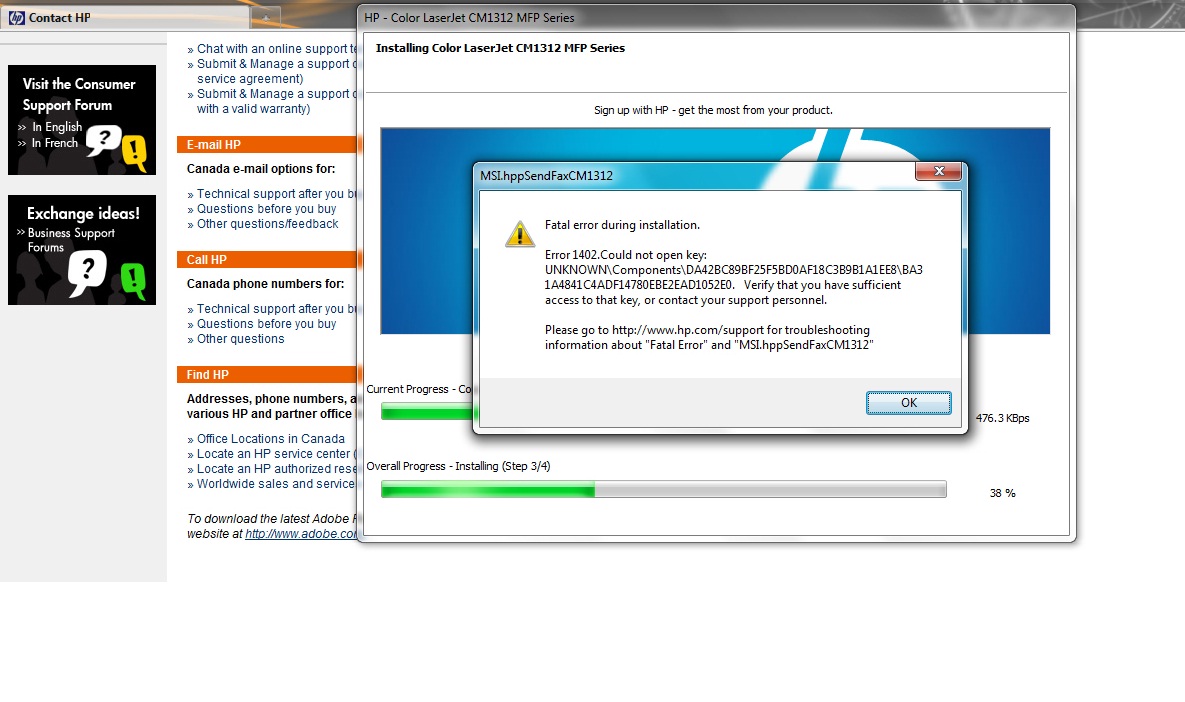
 Some errors such as “Ink system failure”, “Scanner system failure” and similar error messages on HP printers can be resolved quickly in some cases. They are usually related to the printer not recognizing the cartridges, so check that you have a good contact with the chips on the cartridge (if the cartridges have chips) first, and then try these procedures:
{"id":1259,"date":"2014-11-20T04:43:57","date_gmt":"2014-11-20T09:43:57","guid":{"rendered":"https:\/\/blog.atlanticinkjet.com\/choose-by-brand\/hphewlett-packard-cartridges\/resetting-some-common-hp-errors.html"},"modified":"2017-11-23T05:13:29","modified_gmt":"2017-11-23T10:13:29","slug":"resetting-some-common-hp-errors","status":"publish","type":"post","link":"https:\/\/blog.atlanticinkjet.com\/choose-by-brand\/hphewlett-packard-cartridges\/resetting-some-common-hp-errors.html","title":{"rendered":"Resetting Some Common HP Errors"},"content":{"rendered":" Some errors such as “Ink system failure”, “Scanner system failure” and similar error messages on HP printers can be resolved quickly in some cases.\u00a0 They are usually related to the printer not recognizing the cartridges, so check that you have a good contact with the chips on the cartridge (if the cartridges have chips) first, and then try these procedures:<\/p>","protected":false},"excerpt":{"rendered":null,"protected":false},"author":61,"featured_media":0,"comment_status":"open","ping_status":"open","sticky":false,"template":"","format":"standard","meta":{"footnotes":""},"categories":[20],"tags":[111,110],"class_list":["post-1259","post","type-post","status-publish","format-standard","hentry","category-hphewlett-packard-cartridges","tag-hp-error","tag-hp-printer"],"_links":{"self":[{"href":"https:\/\/blog.atlanticinkjet.com\/wp-json\/wp\/v2\/posts\/1259","targetHints":{"allow":["GET"]}}],"collection":[{"href":"https:\/\/blog.atlanticinkjet.com\/wp-json\/wp\/v2\/posts"}],"about":[{"href":"https:\/\/blog.atlanticinkjet.com\/wp-json\/wp\/v2\/types\/post"}],"author":[{"embeddable":true,"href":"https:\/\/blog.atlanticinkjet.com\/wp-json\/wp\/v2\/users\/61"}],"replies":[{"embeddable":true,"href":"https:\/\/blog.atlanticinkjet.com\/wp-json\/wp\/v2\/comments?post=1259"}],"version-history":[{"count":0,"href":"https:\/\/blog.atlanticinkjet.com\/wp-json\/wp\/v2\/posts\/1259\/revisions"}],"wp:attachment":[{"href":"https:\/\/blog.atlanticinkjet.com\/wp-json\/wp\/v2\/media?parent=1259"}],"wp:term":[{"taxonomy":"category","embeddable":true,"href":"https:\/\/blog.atlanticinkjet.com\/wp-json\/wp\/v2\/categories?post=1259"},{"taxonomy":"post_tag","embeddable":true,"href":"https:\/\/blog.atlanticinkjet.com\/wp-json\/wp\/v2\/tags?post=1259"}],"curies":[{"name":"wp","href":"https:\/\/api.w.org\/{rel}","templated":true}]}}